Shop
Sample price$12per location, per month
For one café, studio or clinic store.
- Up to 300 items
- Lots, use-by dates and reorder levels
- Requests and counts for up to 5 people
Tallybin tracks every delivery by lot and use-by date, shows what's actually usable, and puts a name on everything that leaves the stockroom.


Nobody plans to bin a case of milk or run out of cups on a Saturday. It happens because the shelf and the records drift apart.
New deliveries go in front. The older lot expires behind them and is found when it's already a write-off.
The last sleeve of paper cups goes out on a Friday. Nobody wrote it down, so nobody reordered.
Stock leaves for a class, an event or another room with no note. At month end the numbers don't add up and there's no one to ask.
Four habits the app makes easy. Start with one shelf and add the rest when you're ready.
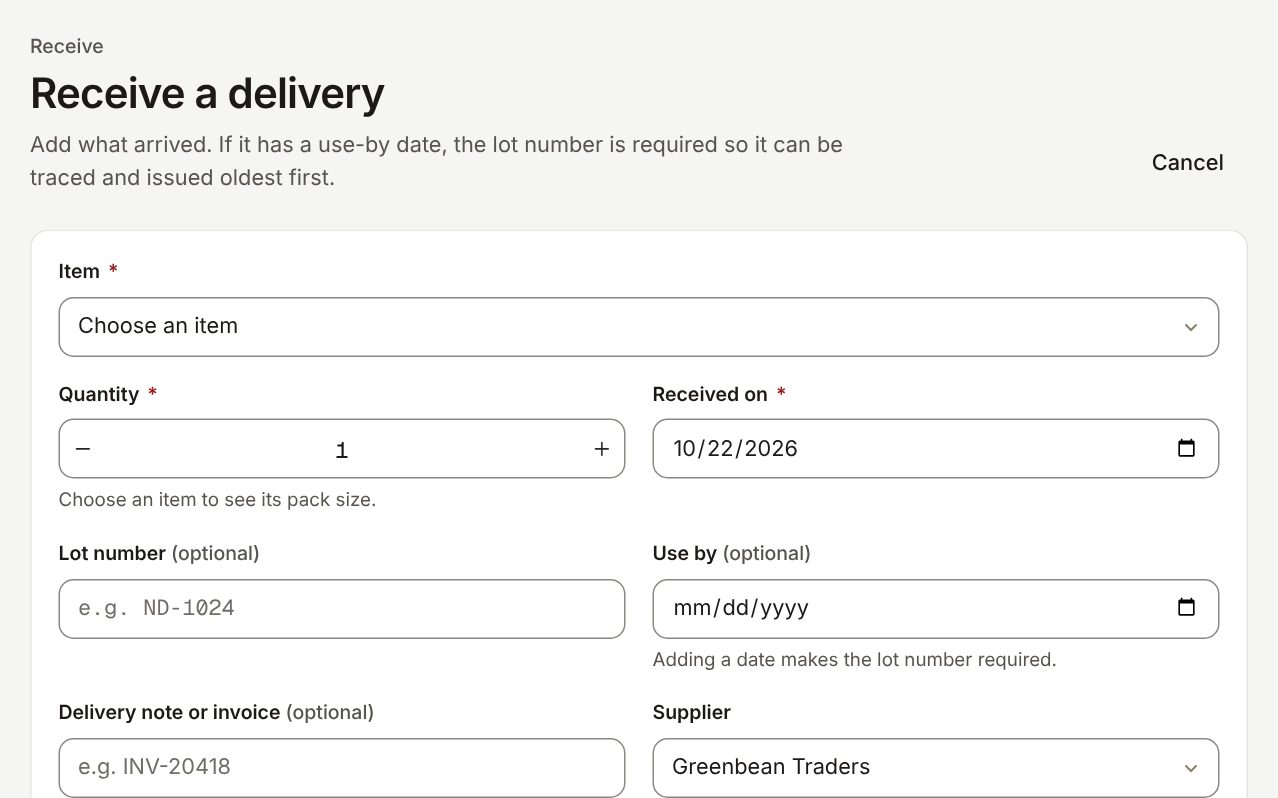
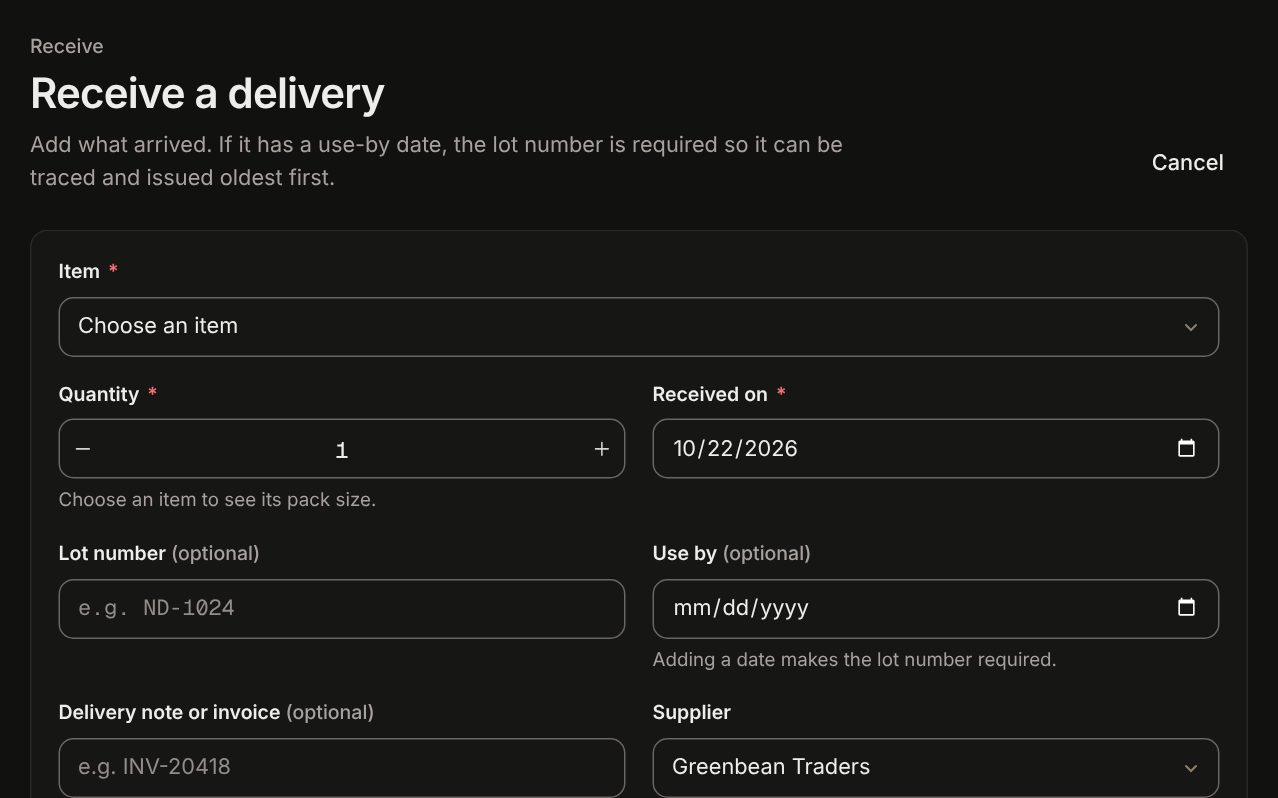
When a delivery arrives, log the quantity, lot number and use-by date. An item that expires can't be saved without a date.
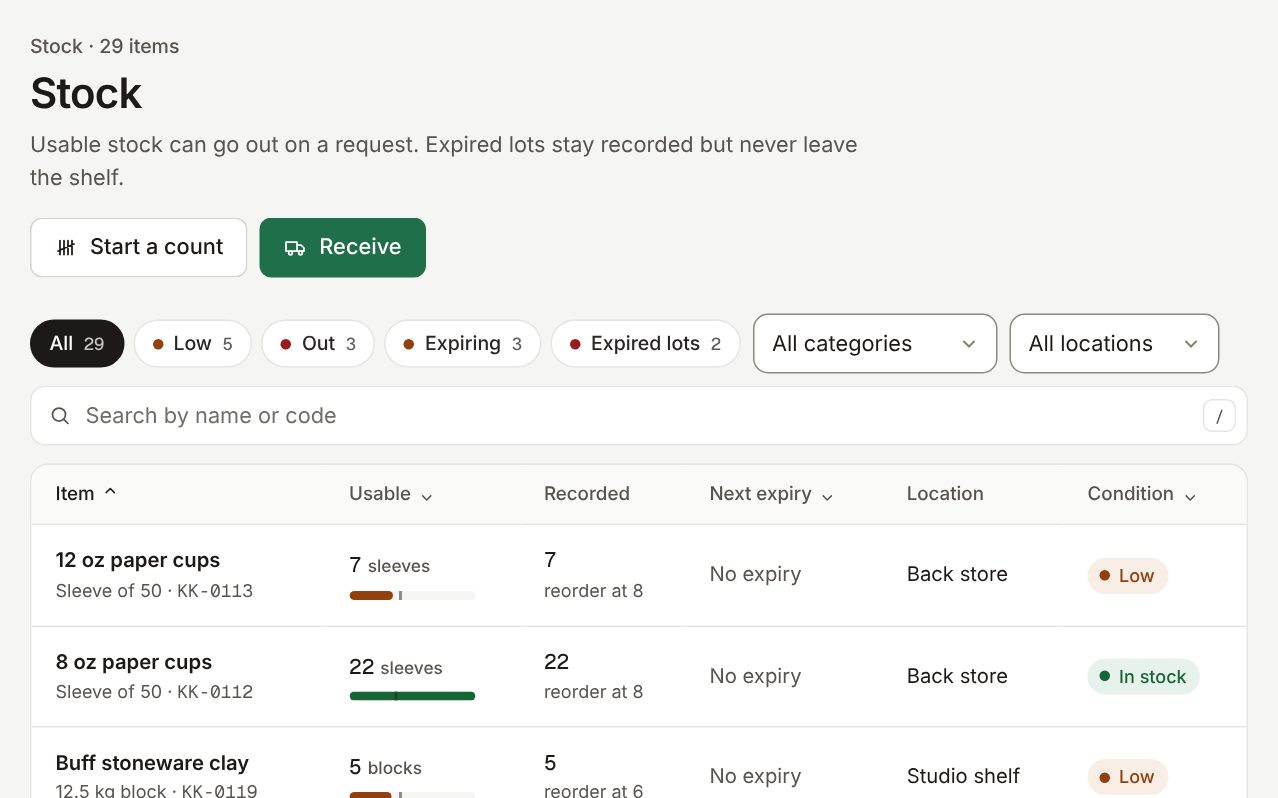
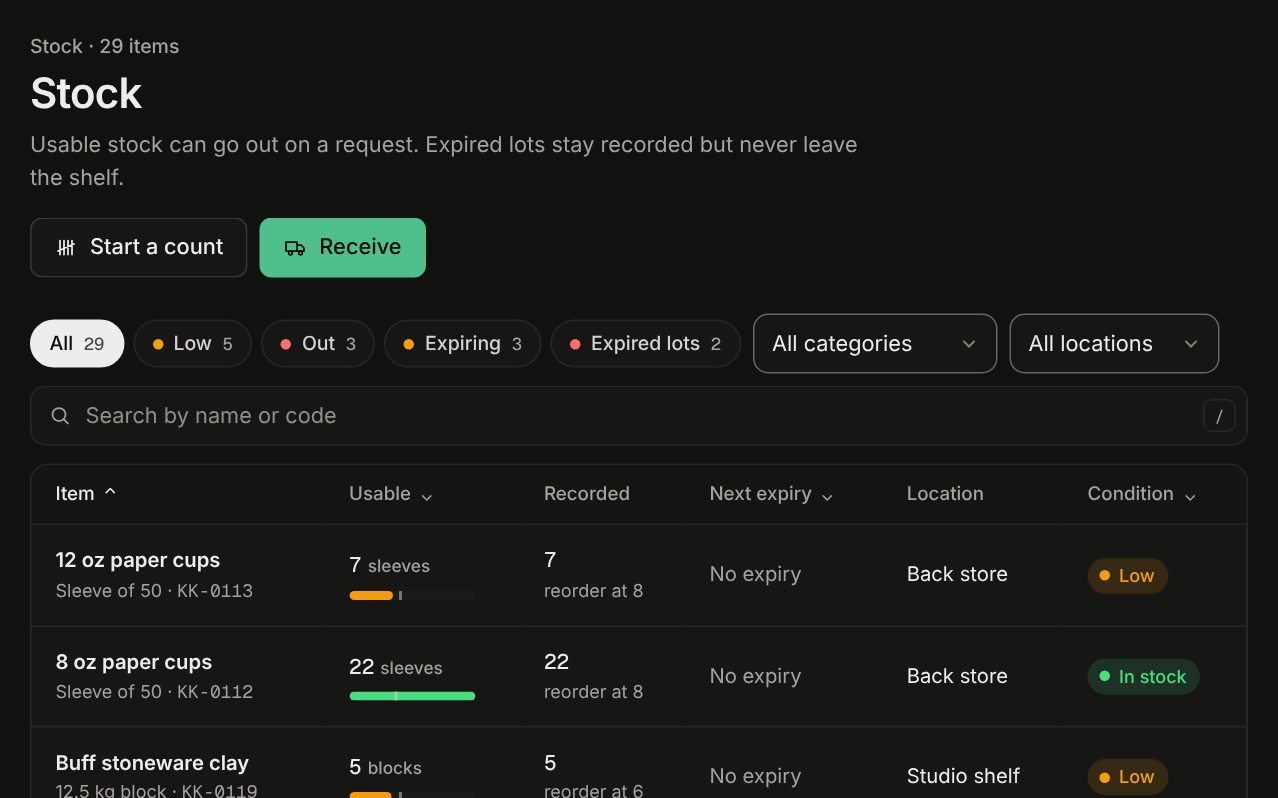
Stock shows the usable quantity, not just what was recorded. Expired lots stay on the books but can't be issued, and the oldest lot goes out first.
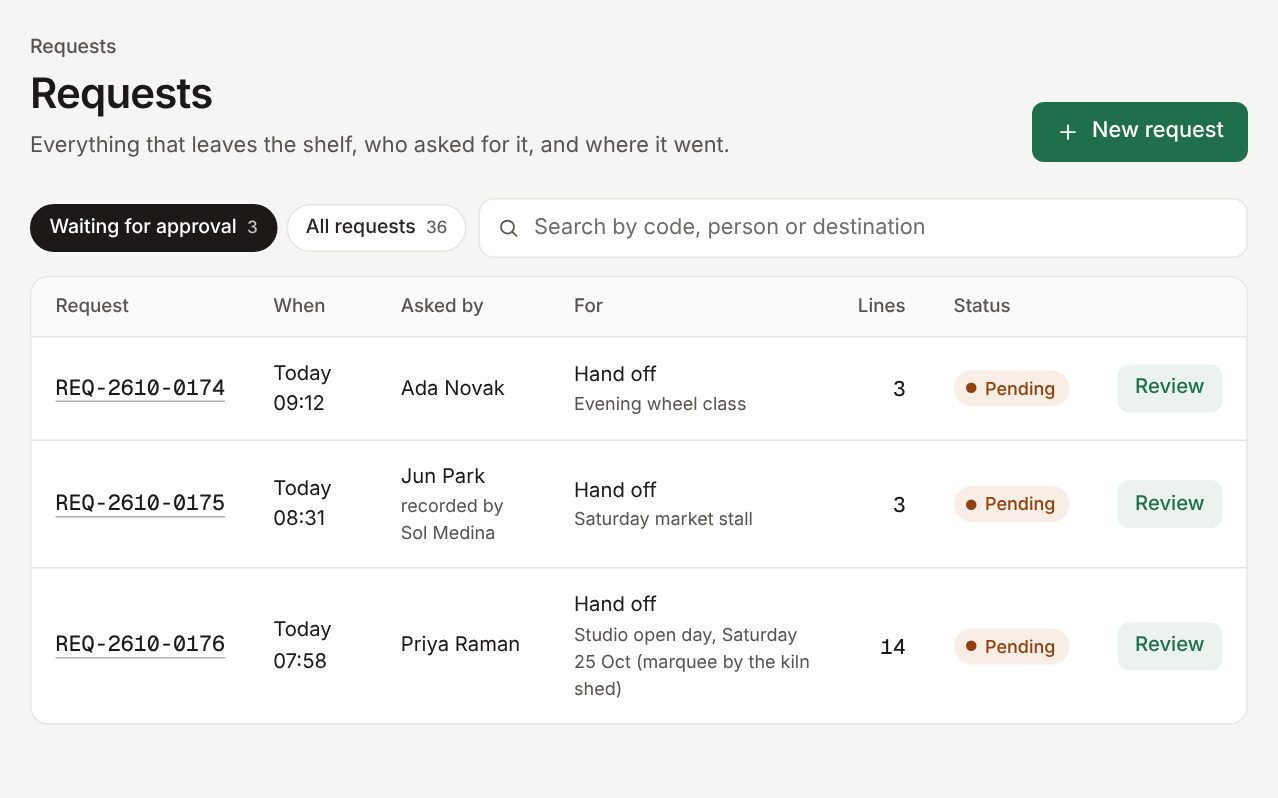
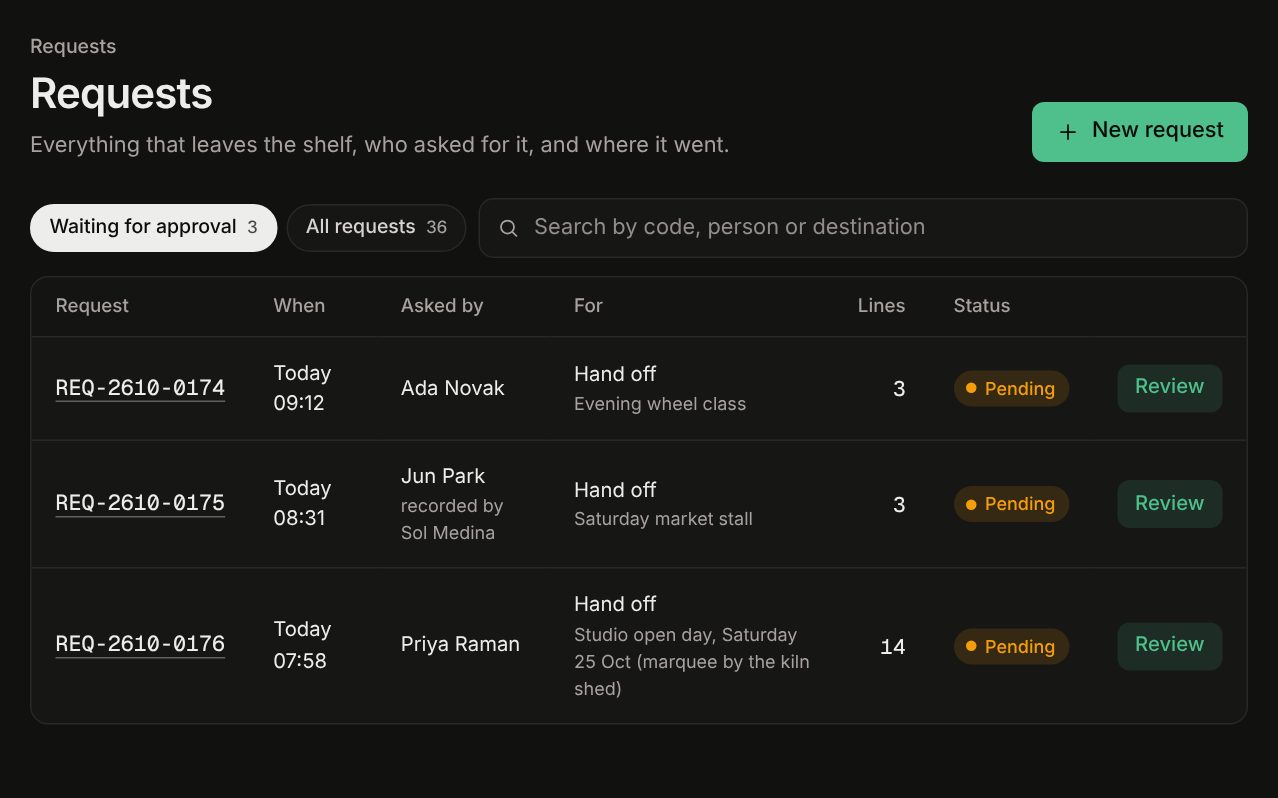
Stock leaves on a request: who asked, what it's for, and who handed it over. Approving takes one tap.
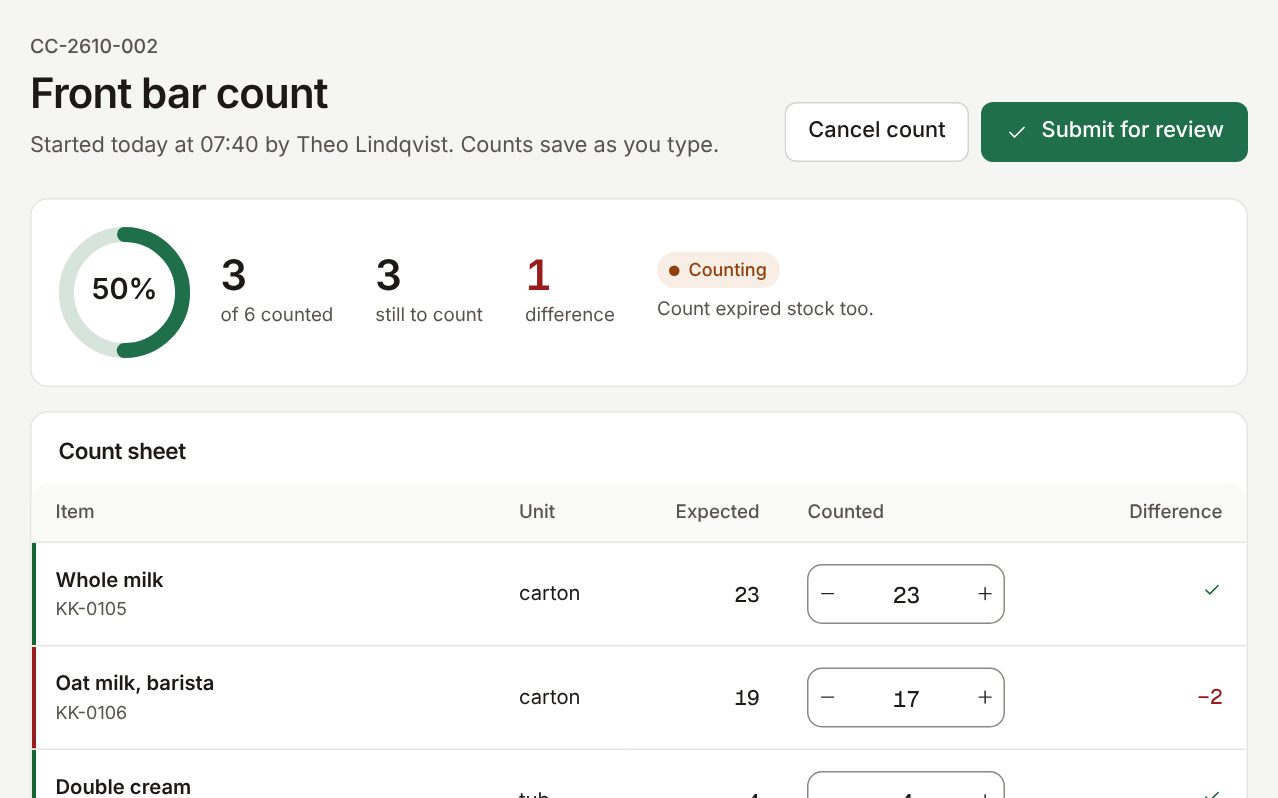
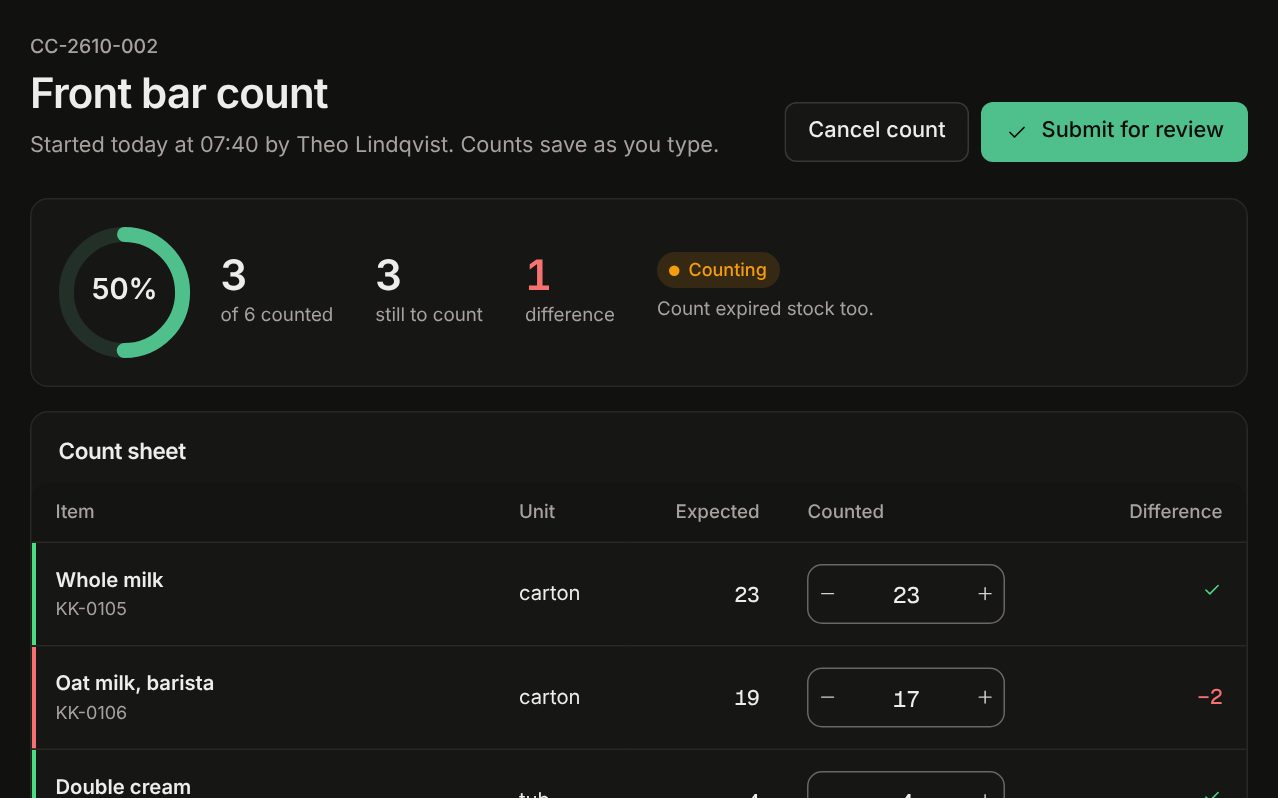
Count a shelf on a phone. Differences go to review with a reason before stock changes, so the totals stay honest.
Both plans include everything below. The larger plan adds people, shelves and approvals.
Three common ways to keep track of stock, compared by approach. We don't name or rate other products.
| Question | Notebook or whiteboard | Spreadsheet | Tallybin |
|---|---|---|---|
| Knows what's expired | No: Only if someone checks the dates | Partly: If the date column is kept up | Yes: Per lot, with a warning before it happens |
| Shows what's running low | Partly: When someone notices the gap | Partly: With a formula someone maintains | Yes: Reorder levels, on Today |
| Who took what | No: Rarely written down | Partly: If everyone fills in a row | Yes: Every request has a name and a reason |
| Month-end count | Partly: By hand, then typed up | Partly: Typed in, differences unexplained | Yes: Counted on a phone, reviewed with reasons |
| Setup | Yes: None | Yes: A template and an afternoon | Partly: Add your items, or import a spreadsheet |
| Good for any list | Yes: Write anything | Yes: Any column you like | No: Built for stock only; keep other lists elsewhere |
Priced per location. Both plans include lots, use-by dates and counts.
$12per location, per month
For one café, studio or clinic store.
$29per location, per month
For more people, more shelves, or a second room.
Sample prices for this template. Replace them before you publish. Taxes may apply.
Anything else: [email protected]
No. Items are found by name or code as you type. Shelf labels with a code help, but nothing depends on them.
Yes. Map the columns once: item, unit, location, supplier and reorder level. Lots and dates can follow with the next delivery.
It stays recorded but can't go out on a request. Write it off or return it, with a reason, and it leaves the books.
Yes, for consumables and supplies: lots and use-by dates work the same way. It is not a pharmacy or medicines system.
Yes. Each person counts their own shelf on a phone. Differences go to one review before stock changes.
Yes. The trial lasts 14 days and needs no card. Start with one shelf.
Start a free trial, add the items on one shelf, and receive your next delivery with lots and dates.